
CARF BIM Navigator
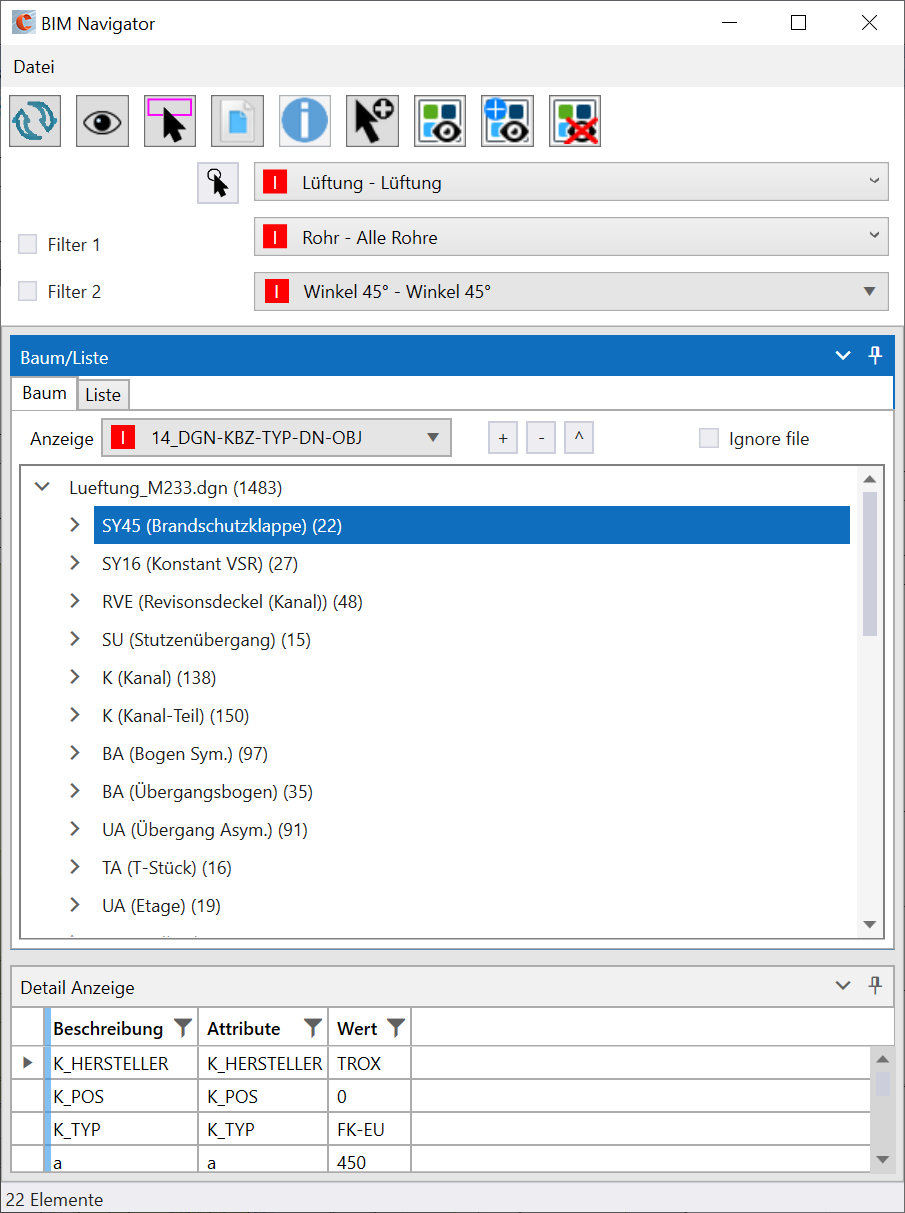
With the CARF BIM Navigator, CARF objects can be structured easily and quickly.
The BIM Navigator is included in every module free of charge! If you have any questions, please contact our support team!
CARF menue
You can find the BIM Navigator in the CARF menu bar.

Features of the BIM Navigator
1. References
The attached references can be turned off for scanning. Thus, the elements from these references are ignored.
It is possible to always display the elements of a reference when isolating. This can be helpful for a reference with architectural elements.
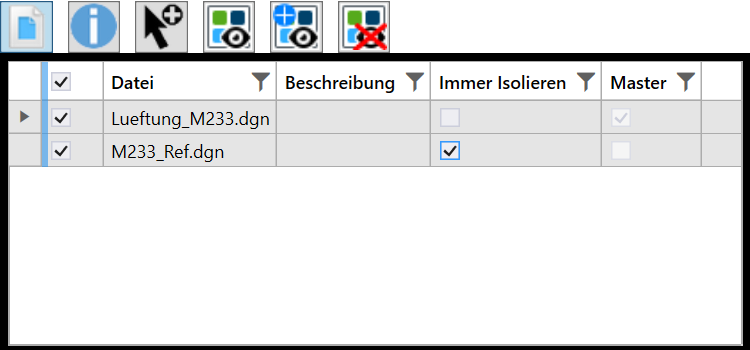
2. Scanning of elements (fence, file, selection)
The elements in the DGN can be read into the BIM Navigator using the Refresh button in the popup menu. If only certain areas of the DGN should be scanned, you can define an area via selection or the fence.
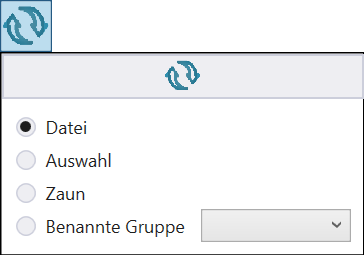
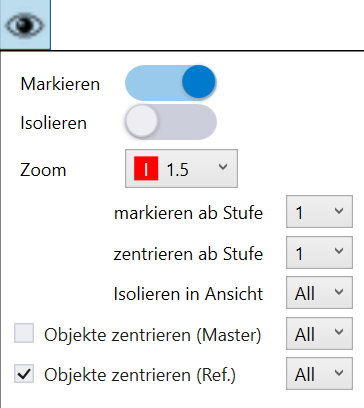
3. View settings, zoom, select, isolate
With the button with the eye symbol, all settings for centering, selecting and isolating the elements in the different views can be found.
4. Filtering via the list
To group the table by a column, drag the required column to the top of the table header. It is possible to group by several columns.
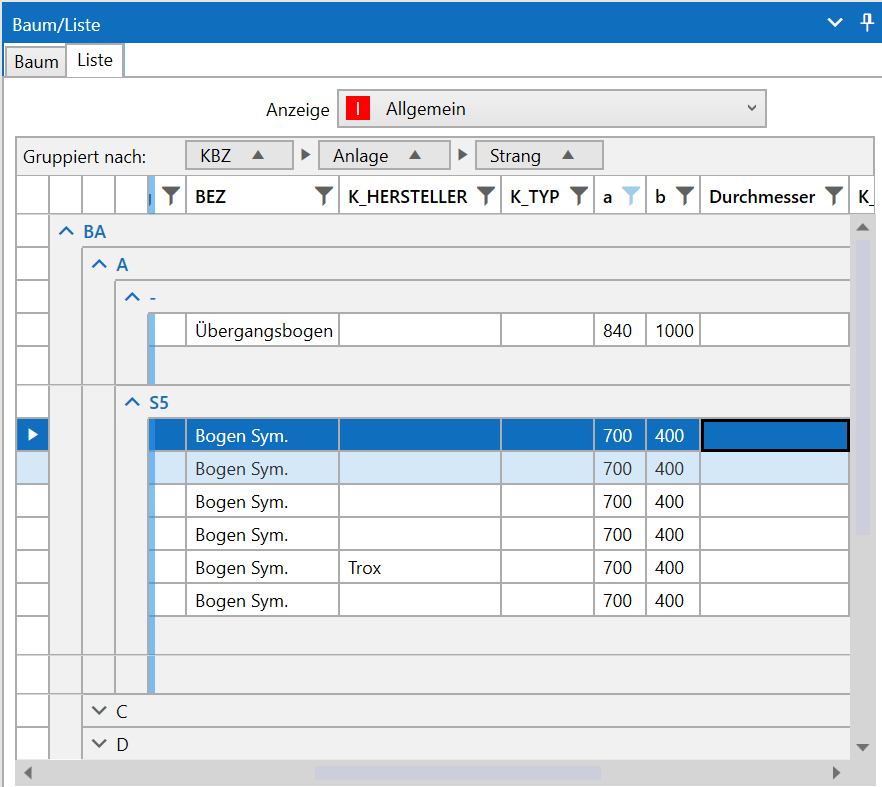
The grouping can be deleted by hovering over the column name and clicking the close icon.
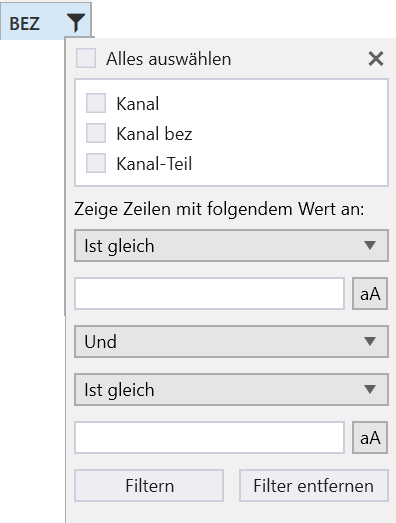
Using the filter symbol, for each column separate filters can be applied.

Features of the BIM Navigator
- Display and filtering of the various CARF objects in the DGN
- Display in list view or tree structure
- Various filter options
- Enhanced user interface
- Easily configurable via Excel
- Own filter selection via Excel
- Export function of the tree structure to XML
- Export of the list view to csv/Excel
Get the benefits of our Tools
Trainings (German only)Related modules
CARF Factory Concept Tool
Innovation for the construction industry: The right solution for the rapid creation of concepts and thus consistent planning

CARF Qualitool
Increase data quality and automatically verify the created CAD files whether the required standards have been met

CARF Toolkit
The toolkit contains many small tools that make planning easier for the designing engineer.
Do you have any questions?
Please feel free to contact us directly!
Phone:
+49 7031 304748-0
E-Mail:
vertrieb@luartxit.com